

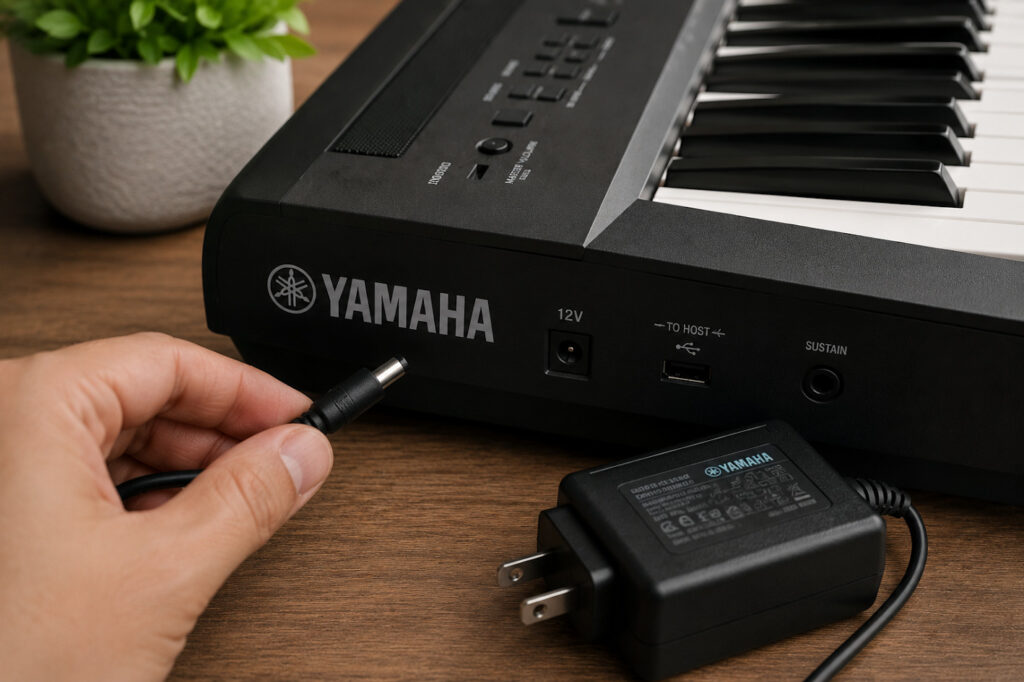
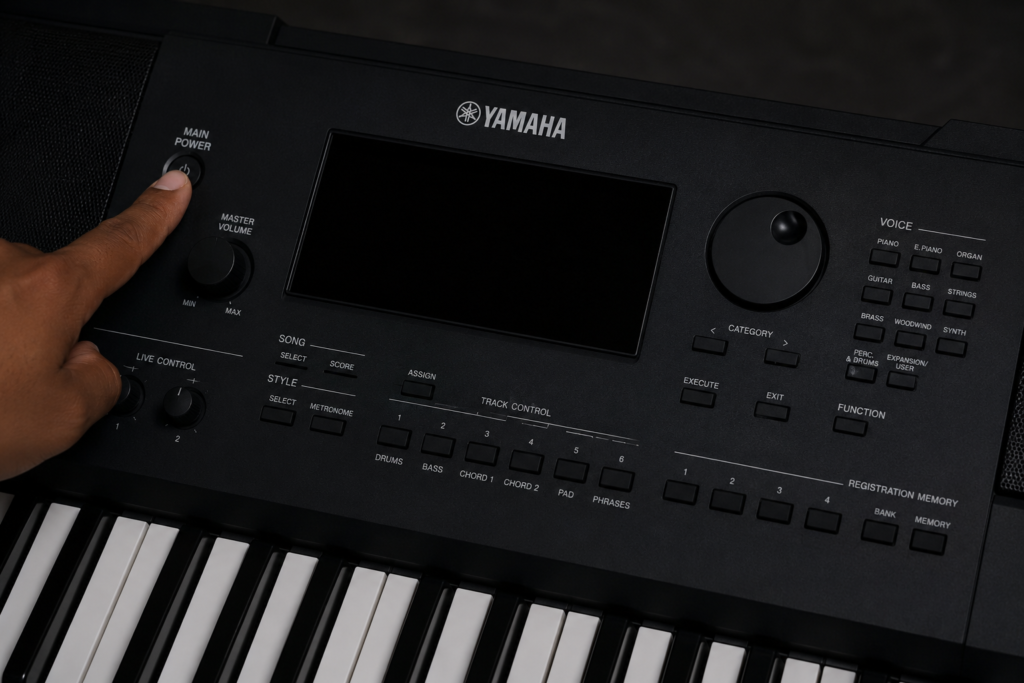
Few things are more frustrating than sitting down to play your instrument, only to be faced with a Yamaha keyboard not turning on. Before assuming the keyboard itself is faulty, it’s worth checking the power adapter. In many cases, a damaged cable, incorrect power supply, or failing adapter is the real cause of the problem.
If your Yamaha keyboard not turning on has left you searching for answers, this guide walks you through the most common power adapter issues, how to identify them, and when it may be time to replace your adapter. A few simple checks could save you time, money, and unnecessary repairs.
When dealing with a Yamaha keyboard not turning on, the simplest explanation is often the correct one. Before investigating internal faults, inspect the entire power connection path.
Ensure the adapter is firmly plugged into the wall socket.
Confirm the adapter barrel connector is fully inserted into the keyboard.
Test another electrical outlet.
Check whether the power strip or extension lead is switched on.
Verify the outlet works by testing another device.
Many users accidentally loosen the connector during transport or storage without realising it.
Inspect the adapter carefully for:
Frayed wires
Cracked plastic housing
Bent connector pins
Burn marks
Exposed internal wiring
A damaged Yamaha keyboard power adapter may stop delivering consistent power even if it appears functional at first glance. If you notice physical damage, discontinue use immediately and replace the adapter with a compatible model.
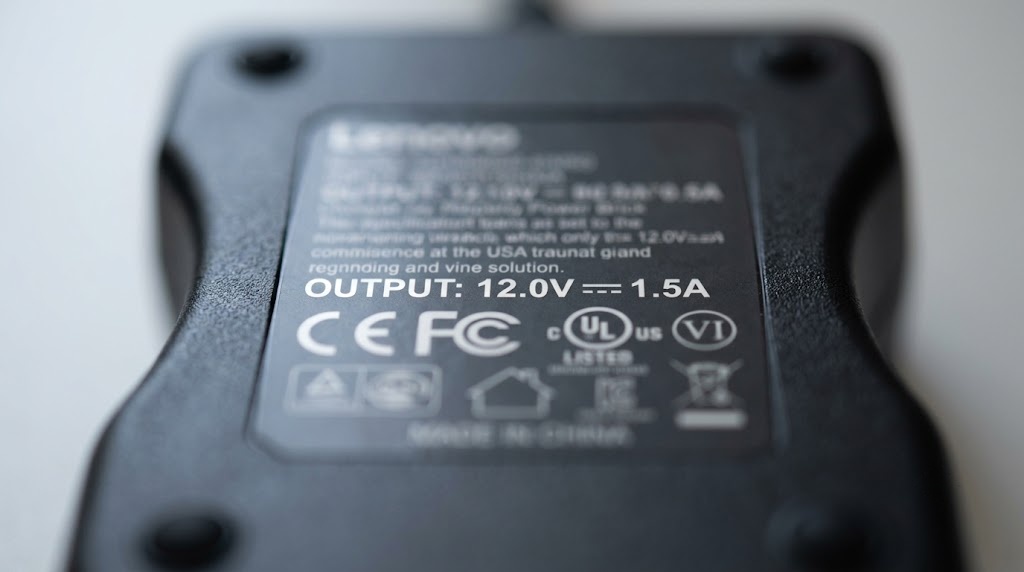
One of the most overlooked causes of a Yamaha keyboard not turning on is using the wrong adapter. Many replacement adapters look identical but provide different electrical outputs.
Voltage (V): The voltage must match exactly (e.g., 12V, 16V, 24V). Using the wrong voltage can prevent startup or damage the keyboard.
Current (A or mA): The adapter should meet or exceed the keyboard’s current requirement.
Connector Size: Even small differences can result in poor contact.
Polarity: Most Yamaha keyboards use centre positive polarity, but you should always verify this on the device label.
For authoritative information regarding your model’s required voltage, always cross-reference the Yamaha keyboard official specifications page.
| Specification Need | Example Model | Recommended Solution |
| 12V, 1.5A | P-45, PSR-E453 | Yamaha PA-150 compatible power adapter |
| 16V, 2.4A | PSR-S770 | Yamaha PA-300C Compatible |
| 12V, 1.0A | PSR-E263 | Yamaha PA-130 Compatible |
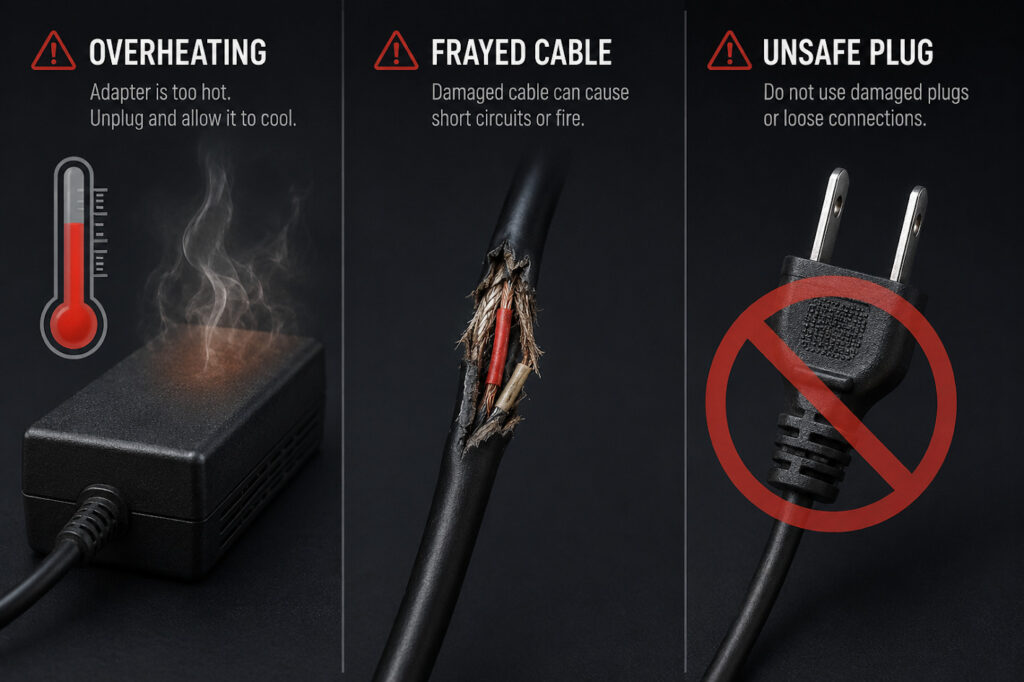
Power adapters often fail gradually rather than stopping completely. As components age, performance can become inconsistent. If you are unsure what to look for, educating yourself on the signs your power adapter has failed is a great first step.
Keyboard powers on intermittently
Display flickers during use
Sudden shutdowns
Adapter becomes unusually hot
Buzzing or humming sounds
LED indicator not illuminating
If any of these symptoms occur, it could be the hidden reason behind your Yamaha keyboard not turning on, as the adapter may no longer provide stable power. Perform a simple elimination test by trying a compatible replacement adapter or testing the suspected adapter on another compatible device.
For a more precise diagnostic, you can test the output manually. If you are comfortable with basic electronics tools, learning how to use a multimeter to test DC voltage will allow you to verify exactly what output your power supply is producing.
When trying to diagnose a Yamaha keyboard not turning on, many users assume that because an adapter matches the required specifications, it must be working properly. Unfortunately, this isn’t always the case. Internal components can degrade over time due to frequent transportation, power surges, heat exposure, and daily wear and tear.
When buying a replacement adapter, ensure it adheres to UK electrical safety standards for consumer electronics adapters. Quality replacements should offer UKCA compliance, CE certification, and protection against short circuits, over-current, and over-voltage.
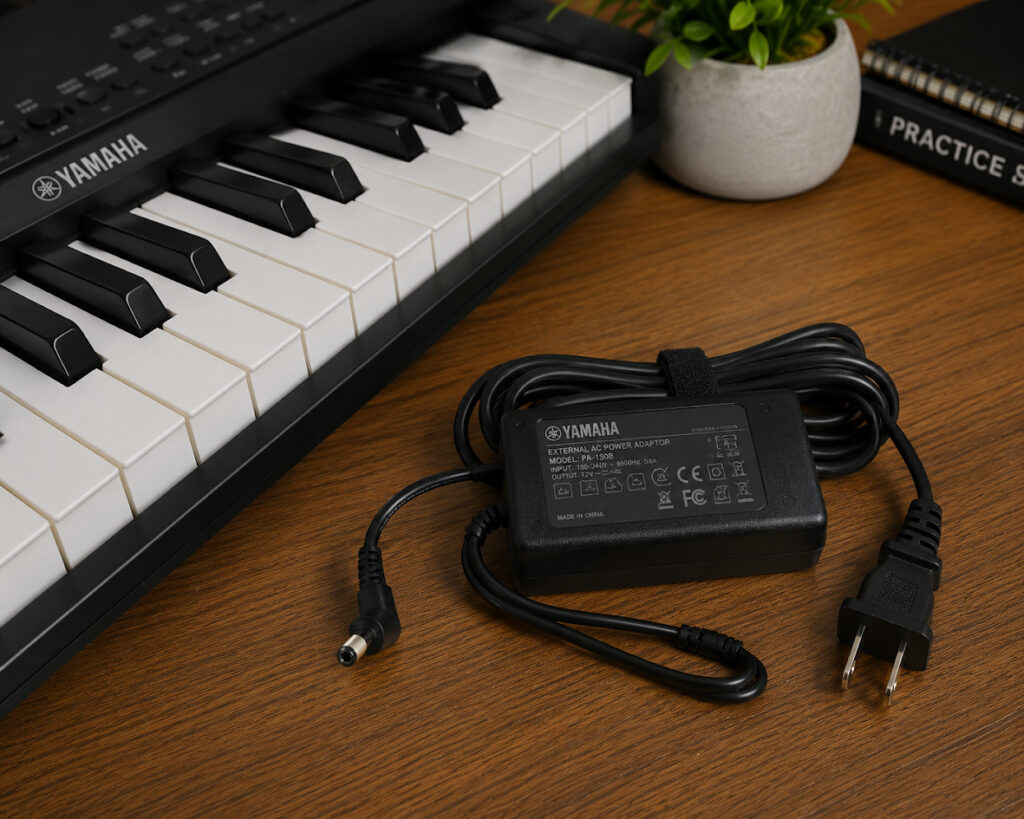
If you’ve completed all troubleshooting steps and your Yamaha keyboard not turning on remains a persistent issue, replacing the adapter is the next logical step. Consider replacement if the unit is several years old, power delivery is inconsistent, or output specifications cannot be verified.
If you are uncertain about matching these requirements, read up on how to choose the right power adapter for your device before making a purchase.
Replacing a faulty Yamaha keyboard power supply is often significantly cheaper than pursuing professional keyboard repairs. Furthermore, this simple fix helps avoid premature disposal of electronics, reducing how e-waste from discarded electronics impacts the environment.
If you are ready to fix the issue, you can explore high-quality replacement power adapters for musical instruments directly at Power Adapter Warehouse.
If you’re dealing with a Yamaha keyboard not turning on, don’t panic. In many cases, the problem can be traced back to a faulty, damaged, or incompatible power adapter. By checking the connection, verifying specifications, inspecting for damage, and testing adapter performance, you can quickly identify whether the power supply is the real culprit behind your Yamaha keyboard not turning on.
Shop now and find the correct replacement adapter with confidence from our selection of UK safety-tested replacement power supplies, and get your keyboard back up and running today.
The adapter may be faulty, incompatible, damaged, or the wall outlet may not be supplying power.
Look for overheating, frayed cables, intermittent power, buzzing sounds, or failure to power the keyboard.
Yes. Incorrect voltage, polarity, or connector size can prevent startup and may damage the keyboard.
Yes. A quality replacement adapter with matching specifications and safety certifications can work perfectly.
Many PSR, YPT, and EZ Series keyboards share similar adapters, but always verify model-specific requirements before purchasing.