

Monitor Power Adapters: The Best Replacement Guide
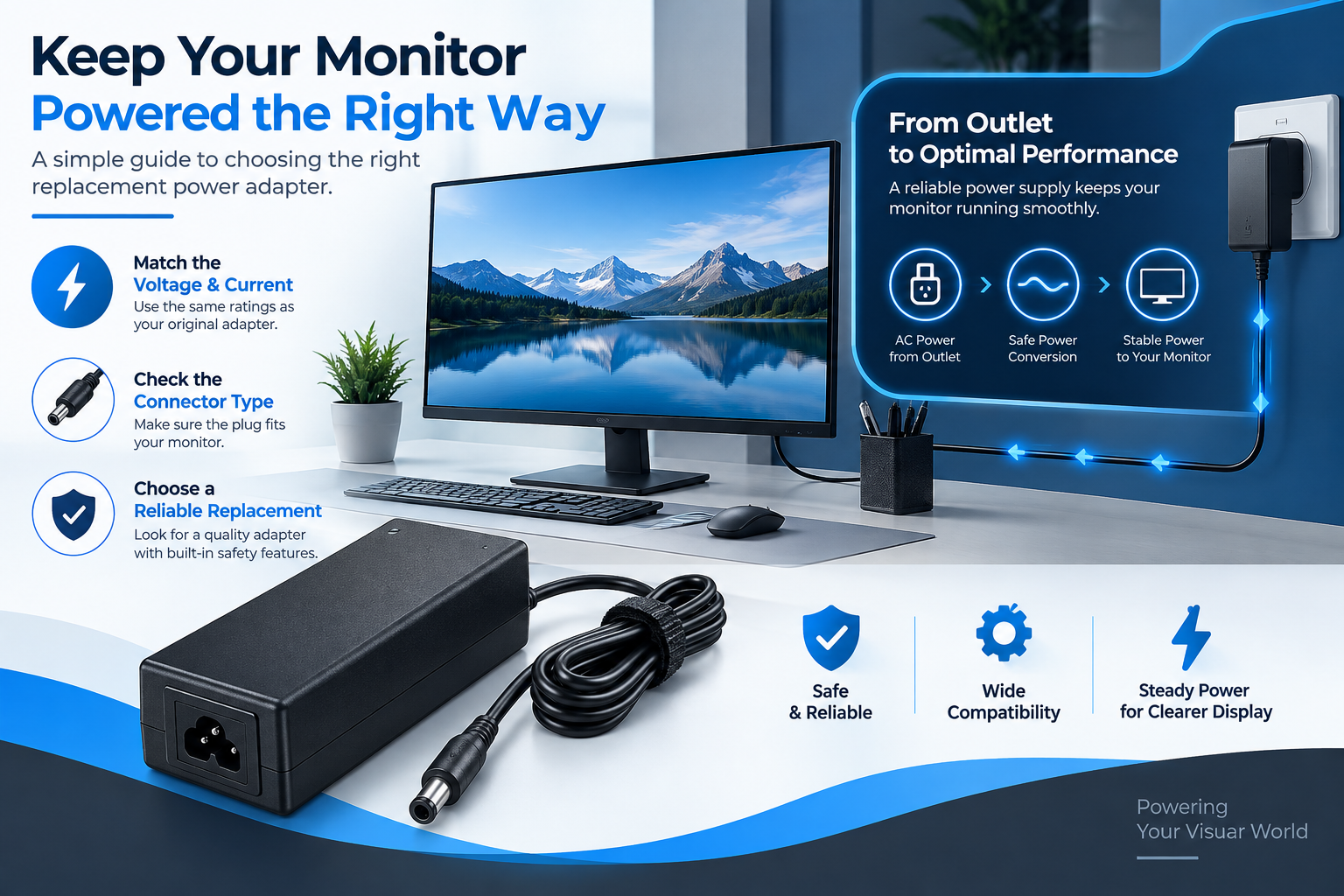
If your monitor power adapter is missing, damaged, or no longer working, replacing it is not simply a matter of finding a plug that fits. Getting this wrong can cause screen flickering, erratic behaviour, or permanent electrical damage. To find a safe replacement, you need to match the exact voltage, ensure the current rating is sufficient, use the right connector shape, verify polarity, and check the output type. Start by checking your monitor model and original power requirements before committing to a purchase.
What Voltage Does a Monitor Power Adapter Need?
A replacement monitor adapter must provide the exact voltage specified by the monitor. Always check the label on the back of the screen, the original power brick, or documentation.
You may see requirements such as 12V DC, 14V DC, or 19V DC. These values are never interchangeable simply because the connector looks similar. Using the wrong voltage can cause unstable operation or fry internal electronics. Voltage is the electrical pressure supplied to the monitor, and its power circuit is strictly engineered around that exact input value. For standardised electrical definitions, resources like Electropedia offer thorough terminology references.
For a model-specific example, see our 14V Samsung monitor power adapter.
How Many Amps Should a Monitor Adapter Have?
The replacement adapter should provide at least the current required by the monitor. Unlike voltage, a higher current rating is normally acceptable when all other specifications match.
An adapter rated at 19V 2A can supply up to 2A at its specified output. If the monitor requires 19V 1.5A, a compatible 19V 2A adapter can generally provide enough capacity because the monitor only draws the current it needs. A higher-rated replacement provides safe additional overhead. Conversely, a lower-rated adapter may struggle under load, potentially causing overheating or random shutdowns.
For a gaming display example, see the MSI Optix monitor adapter.
Does Monitor Adapter Polarity Need to Match?
Yes. If the monitor uses a DC barrel connector, the replacement must have the correct polarity. Many electronic devices rely on centre-positive polarity, but you should always confirm rather than assume.
Look for the polarity symbol on the original adapter, monitor label, or user documentation. It identifies whether the centre pin and outer sleeve carry positive or negative charges. Polarity is entirely separate from connector size; a plug can fit physically while having the wrong internal electrical arrangement.
For another monitor-specific option, see the Acer monitor power adapter.

What Monitor Power Adapter Connector Size Do You Need?
The DC connector must physically match the monitor’s power input port without being forced. Barrel plugs are commonly identified by their outer and inner diameters, measured carefully in millimetres.
Common sizes include 5.5mm × 2.1mm and 5.5mm × 2.5mm, but manufacturers frequently use custom connector designs. Use the original connector as a reference when possible. If unavailable, identify the exact monitor model instead of guessing.
A compatible LG 22M38A monitor power supply can also be considered when physical specifications match your screen.
Can You Use a Laptop Charger for a Monitor?
Only when the laptop adapter matches the monitor’s complete power requirements. Laptop and monitor adapters are rarely interchangeable out of the box.
Laptop supplies frequently feature different voltages, current capacities, connector dimensions, and polarity setups. A 19.5V laptop adapter, for example, should never be connected to a monitor requiring 14V. Always compare the laptop adapter’s output label with monitor input requirements.
What Should You Check on the Monitor Before Buying?
Start with the monitor itself. Find the model number and inspect the power input label near the port. Record required voltage, current, AC or DC output, and polarity information.
The model number helps you find a compatible replacement when the original adapter is missing. This is especially useful for Samsung, LG, Acer, Dell, and MSI monitors. Furthermore, commercial buyers should review official guidance like UK Product safety advice for businesses to maintain compliance standards.
Before purchasing, compare:
- Monitor model
- Required voltage
- Minimum current requirement
- AC or DC output
- Polarity
- Connector dimensions
- Mains plug requirements
For an LG example, see this 19V AC-DC adapter for LG screen displays.
What Are the Most Common Monitor Adapter Mistakes?
The most common mistake is choosing an adapter based only on voltage or physical fit. Other errors include using a lower current rating, ignoring polarity, mixing up outputs, or assuming every monitor from one brand uses the same power brick.
Universal supplies introduce unnecessary risk if configured incorrectly. A fixed-output replacement matched directly to the monitor is simpler and safer. Inspect cables, connectors, and housing before use. Never use an adapter with exposed conductors, cracked casing, or signs of overheating. For additional safety precautions, consult official HSE electrical safety guidance.

How Can You Troubleshoot a Monitor That Will Not Power On?
Before buying a replacement, check whether the adapter is actually the root cause of the problem.
Test the wall socket with another device. Inspect the adapter for physical damage and check its indicator light, if fitted. Make sure the DC plug is fully seated. If the adapter appears functional but the monitor remains completely dead, the fault could lie inside the monitor’s internal power board.
Never open or repair a mains-powered adapter yourself. If you notice exposed wiring, burning smells, or severe overheating, disconnect it immediately and replace it.
Monitor Power Adapter Replacement Checklist
Before ordering your replacement, confirm every item on this checklist:
- Exact monitor model number
- Required voltage specification
- Required current rating
- AC or DC output type
- Electrical polarity
- Connector size and design
- Suitable UK mains connection
- Adapter safety build quality
If every requirement matches, you have a solid basis for safe compatibility.
Frequently Asked Questions
Can I use a higher-amp monitor adapter?
Generally, yes, provided the voltage, polarity, connector type, and output specifications are identical and the replacement provides at least the required current.
Can I use a higher-voltage adapter?
No, unless the monitor manufacturer explicitly states that the higher voltage is supported. Match the required voltage exactly to avoid component damage.
Are monitor power adapters universal?
No. Different monitors require distinct voltages, current ratings, connector sizes, and polarities.
How do I find the correct monitor charger?
Check the monitor’s model number and input specification label, then cross-reference voltage, current, polarity, connector dimensions, and output type.
Can I use a laptop power supply on my monitor?
Only if every relevant electrical and physical specification matches. Connector fit alone does not establish compatibility.
Conclusion
Choosing a replacement monitor power adapter requires looking past quick fixes and focusing entirely on technical precision. By matching the required voltage, providing equal or greater current capacity, confirming polarity, and identifying the correct connector size, you protect your hardware from irreversible damage. Always verify whether your monitor demands AC or DC input and ensure the replacement suits your local mains connection.
Ultimately, the golden rule of power supply replacement remains straightforward: never buy an adapter based solely on whether the plug fits or whether the voltage looks close. Take the time to audit your equipment’s complete electrical blueprint, safeguard your workspace, and enjoy uninterrupted performance from your display.