

Can You Safely Use a Higher-Amp Monitor Power Adapter?
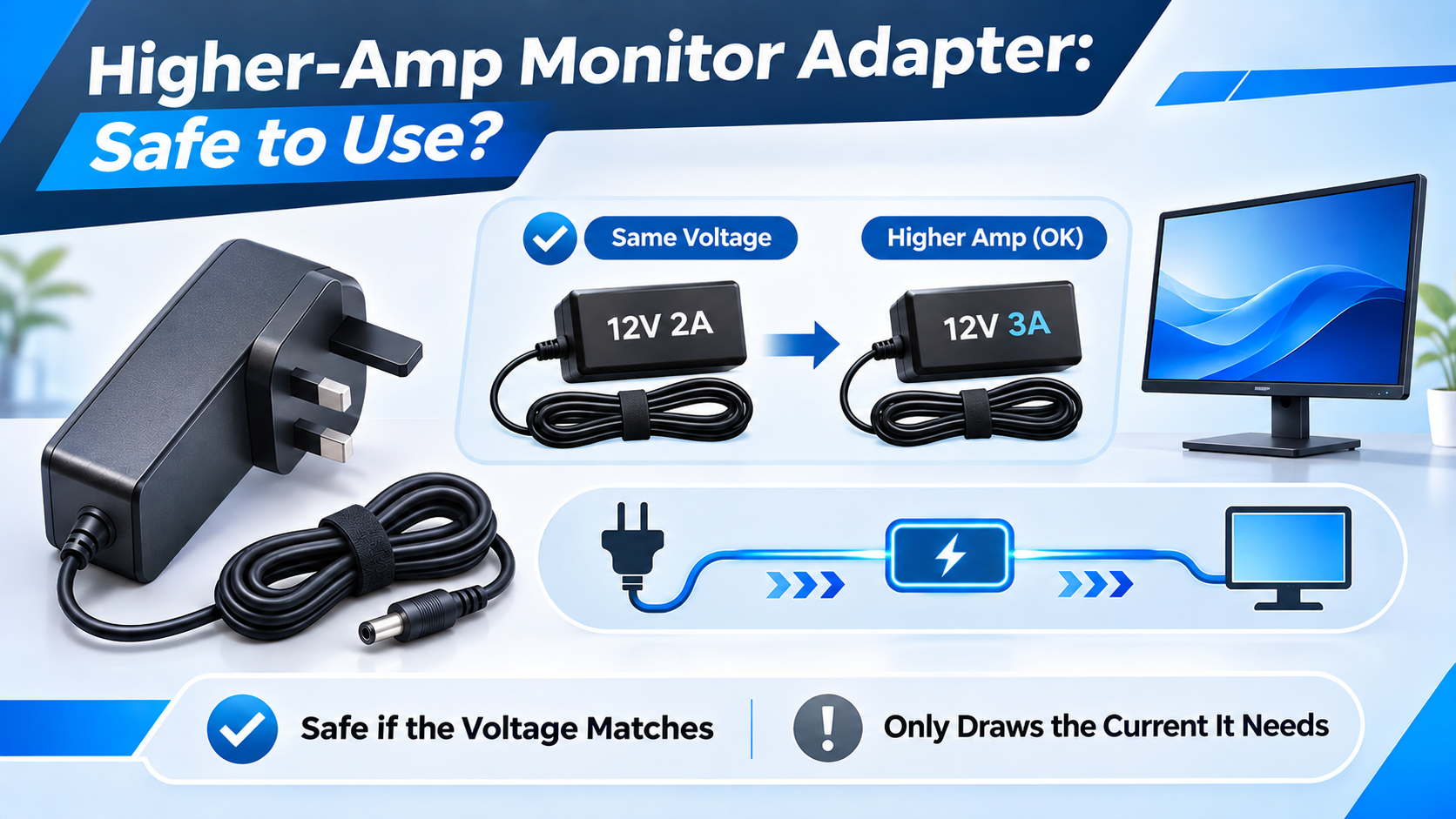
Yes, a higher-amp monitor power adapter can usually be used with a 12V screen if its output voltage, connector, polarity and supply type match the monitor’s requirements. The adapter’s current rating must be equal to or higher than the monitor’s stated requirement.
For example, if a monitor requires 12V DC and 2A, a compatible 12V DC, 3A adapter may be suitable. The 3A figure describes the maximum current the adapter can provide under specified conditions. It does not force 3A into the monitor.
However, a higher current rating does not make every 12V adapter interchangeable. Check the complete specification and the exact monitor model before connecting a replacement.
What Does a Higher Amp Rating Mean?
Amperes (A) measure electrical current. An adapter’s amp rating indicates the amount of current it can supply. The monitor draws the current it needs to operate, provided the power supply is suitable and working correctly.
A monitor labelled 12V DC and 2A does not automatically draw 3A from a 12V 3A adapter. The extra capacity is available if needed.
Voltage is different: the output must match the monitor’s specified requirement. A higher amp rating does not permit a higher-voltage adapter.
How to Check a Higher-Amp Monitor Power Adapter
Before using a replacement, compare its label with the monitor’s power label, manual or original adapter. Check each of these details:
| Specification | What to check |
| Output voltage | It must provide the monitor’s specified 12V DC output |
| Current rating | It must meet or exceed the monitor’s stated current requirement |
| Connector | The plug must match the socket in size and design |
| Polarity | Positive and negative connections must match |
| Supply type | Use the specified DC supply, not an assumed alternative |
| Model compatibility | Check the requirements for the exact monitor model |
Do not choose an adapter because its plug looks similar. It may fit loosely or have different polarity. A 12V adapter for an Acer E220Q monitor is a model-specific listing to compare with the monitor’s own specifications, not proof of compatibility with other Acer models.

Is a 12V 3A Adapter Suitable for a 12V 2A Monitor?
It may be suitable if the monitor requires 12V DC and 2A, and all the other specifications match. A 12V 3A adapter has a greater maximum current capacity than a 12V 2A adapter. That difference alone is not usually a problem.
A 12V 4A adapter may follow the same principle, but only when all other specifications and model compatibility are correct.
A 12V power adapter for an Xenta LED monitor is another listing to compare with the exact model and electrical details.
Can You Use a Lower-Amp Adapter?
Avoid using an adapter with a lower current rating than the monitor requires. It may not be able to supply enough current during normal operation, which can cause unstable performance or place excessive strain on the adapter.
Symptoms may include flickering, intermittent power, shutdowns or excessive adapter heat. However, damaged cables, faulty sockets and monitor faults can cause similar problems.
If the adapter is below the stated requirement, choose a correctly specified replacement rather than testing it under load.
Why Voltage Must Still Match
A higher amp rating does not mean you can increase the voltage. If the monitor requires 12V DC, use a supply with the specified 12V DC output. Do not substitute a 15V, 19V or 24V adapter just because its current rating is high enough or its plug appears to fit.
Too much or too little voltage can stop equipment from operating correctly and may cause damage. Read the output details, not the mains input rating, which describes the electricity supplied from the wall.
For wider context, read the government’s UK product safety advice for businesses and UKCA marking guidance. Product marking does not prove compatibility with a particular monitor.
Check the Connector and Polarity
Monitors can use different DC barrel connectors despite sharing the same voltage. Compare the plug’s dimensions and design with the original adapter or model-specific documentation.
Check polarity as well. Many barrel connectors are centre-positive, but confirm this from the original adapter or monitor documentation rather than assuming.
A 12V adapter for an Acer ED270U monitor is a model-specific example. Check the model suffix and never force a plug into the socket.
Compare the 12V replacement adapter for an AOC LM729 monitor with the monitor label. A listing or sitemap entry is not a substitute for checking output and connector details.

What If the Monitor Does Not Turn On?
Disconnect the monitor and recheck the adapter’s output voltage, current capacity, polarity and connector. Inspect the cable and plug for visible damage, and make sure the adapter is connected securely.
If the adapter or connector becomes unusually hot, smells burnt, sparks or shows damage, stop using it. Do not open a mains-powered adapter or attempt an internal repair. For general consumer electrical safety information, refer to Electrical Safety First.
If specifications match but the monitor still fails, the adapter, cable, socket or monitor may be faulty. A qualified technician can investigate safely.
Frequently Asked Questions
Will a 12V 3A adapter damage a 12V 2A monitor?
Not simply because it is rated at 3A. If the monitor requires 12V DC and the connector, polarity and supply type also match, the higher current capacity is generally acceptable. Confirm the exact model requirements first.
Can I use a 12V 5A adapter instead?
Possibly, but only if the monitor is designed to use a 12V DC supply and every other specification matches. A 5A rating does not compensate for the wrong voltage, polarity or connector.
Does a monitor only draw the amps it needs?
Under normal operation with a suitable power supply, the monitor draws the current required for its operation. The adapter’s rating indicates its available capacity, not a current that it pushes into the monitor.
Can I use an adapter with the same voltage but a different plug?
No, not unless the connector is confirmed to be electrically and physically compatible. A different plug may not fit securely, and forcing it can damage the socket. Polarity must also match.
Where can I check a replacement for my monitor model?
Start with the monitor’s model number and its power label or manual. Compare the listed voltage, current, polarity and connector with the replacement description. For example, a 12V replacement adapter for an HP 2011xi monitor is a model-specific listing to verify, not a universal HP monitor adapter.
Conclusion
A higher-amp adapter can suit a 12V monitor when its current capacity meets or exceeds the requirement and its voltage, connector, polarity and supply type match. Check the monitor’s label or manual, and choose a replacement confirmed for the exact model if any detail is uncertain.