

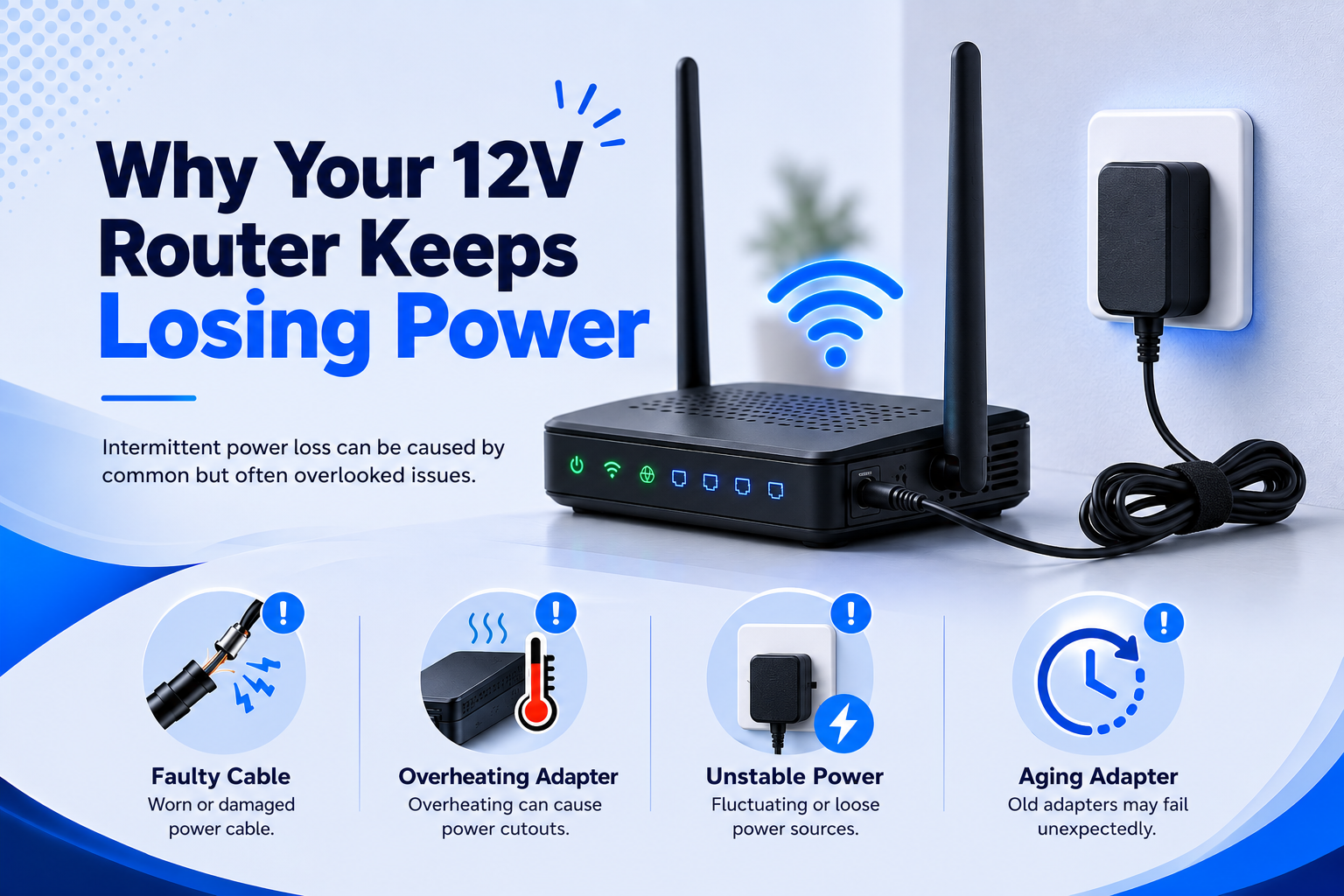
Why does a 12V router suddenly keep losing power? It can be frustrating, especially when it happens several times a day. You may notice the lights abruptly go off, the router restarts by itself or your internet connection disappears for a few minutes.
The problem is not always your internet provider. If the router is actually losing electrical power, the cause could be the power adapter, cable, connector, mains socket or the router itself.
A Wi-Fi router needs a suitable power supply to operate reliably. If the adapter is damaged, underpowered or making an unreliable connection, the router may repeatedly shut down and restart.
The good news is that you can check several things before replacing the router.
Is the Router Actually Losing Power?
Start by checking what happens when the problem occurs.
If all of the router’s indicator lights turn off and then come back on, the router is probably losing power and restarting. If the lights remain on but the internet connection disappears, the issue may be related to the network connection rather than the power supply.
This distinction is useful because replacing the adapter will not solve an internet connection problem if the router itself is still receiving stable power.
Watch the router the next time the connection drops. If the lights go through their normal start-up sequence again, power interruption is worth investigating.
Check the 12V Power Adapter First
The power adapter is one of the first things to check because it converts mains electricity into the DC power the router needs.
Look at the adapter label and compare it with the router’s requirements. A router that requires 12V DC should have a suitable 12V DC power supply.
An adapter can become less reliable as it ages. Internal components can wear out, the cable can become damaged and the adapter may develop intermittent faults.
If the router has started losing power after years of normal use, the original adapter is worth checking rather than immediately assuming the router has failed.
Could the Adapter Have Insufficient Current?
The voltage is not the only specification that matters.
A router may require a specific amount of current, such as 12V 1A or 12V 2A. The replacement adapter should have sufficient current capacity for the router.
An adapter with a lower current rating than the router requires may struggle to supply the device reliably.
For example, if a router requires 12V 2A and the replacement adapter is only rated at 12V 1A, the adapter may not have enough capacity for the router’s requirements.
When replacing the adapter, check both the voltage and current rating rather than matching the 12V figure alone.
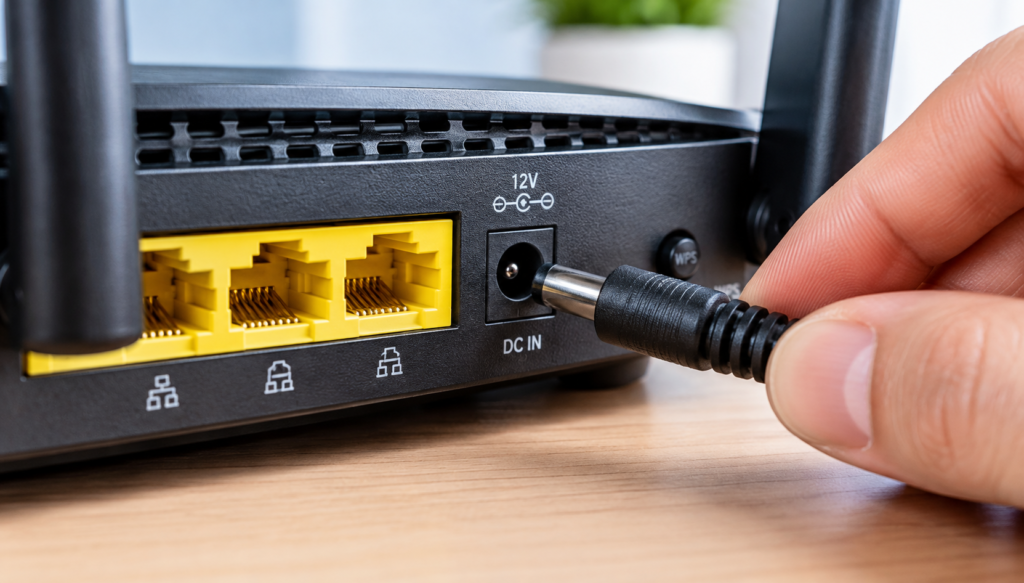
Check the DC Connector for a Loose Connection
A router can also lose power because the DC connector is not making a reliable connection.
Many routers use round barrel connectors, but these connectors come in different sizes. A plug can look correct while still being slightly too loose or otherwise unsuitable.
Try to avoid moving the cable while the router is operating. If touching or moving the power cable causes the router to restart, there could be a problem with the connector, cable or router socket.
Do not force a connector into the router. The replacement needs to have the correct connector type and size.
Inspect the Power Cable for Damage
Look closely at the cable running between the adapter and the router.
Check for:
- Cuts or splits in the insulation
- Sharp bends near the connector
- Exposed wires
- Damage around the strain relief
- Loose or broken sections
The cable can become damaged after being bent, trapped behind furniture or moved repeatedly.
If you can see physical damage, stop using the adapter and replace it with a suitable replacement rather than continuing to test a damaged cable.
Could the Mains Socket Be the Problem?
The router adapter may be working correctly while the mains socket is causing the interruption.
If possible, check whether another device works reliably from the same socket. You can also try the router adapter in another suitable mains socket.
If the router stops losing power when connected elsewhere, the original socket, extension lead or power arrangement may need further investigation.
Do not repeatedly use a visibly damaged socket or extension lead.
Is the Power Adapter Overheating?
Heat can also be a warning sign.
Power adapters can become warm during normal operation, but an adapter that becomes unusually hot, smells burnt or shows visible damage should not be ignored.
Make sure the adapter has enough ventilation. Do not cover it with clothing, bedding or other materials that could trap heat.
If the adapter becomes excessively hot and the router repeatedly loses power, stop using it and consider replacing the adapter with a correctly matched model.
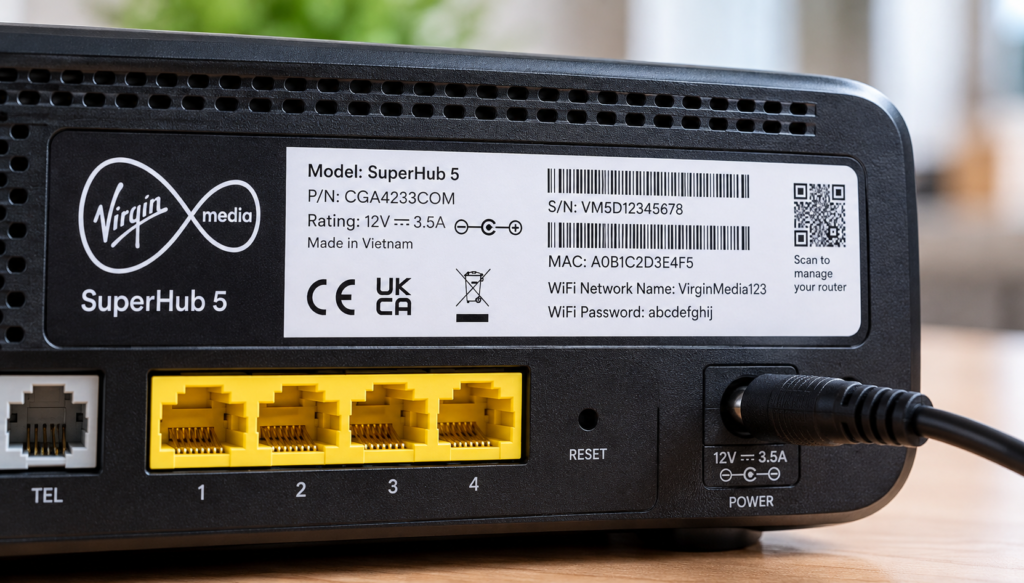
Why the Router Model Matters
Different routers can use different power requirements even when they operate from 12V DC.
The exact router model can therefore make replacement shopping much easier.
Instead of searching for a generic “12V router adapter”, look for an adapter that specifically identifies your router model or confirms the required specifications.
For example, a model-specific 12V DrayTek Vigor 2700G/2710 router adapter provides a more useful compatibility reference than an adapter listing that simply says “12V”.
The same principle applies to a 12V Virgin Media SuperHub router power adapter. Matching the model helps reduce the risk of choosing a connector or electrical specification that does not suit the router.
What If the Router Still Loses Power?
If you have checked the adapter, cable, connector and mains socket but the router continues restarting, the router itself may have a hardware problem.
The power socket inside the router could be damaged, or there may be another internal fault.
Before replacing the router, however, it can be sensible to test it with a known-compatible power adapter.
If the router works normally with the replacement adapter, the original adapter was likely the problem. If it continues losing power, the fault may be elsewhere.
This simple test can help prevent you from replacing a working router unnecessarily.
When Should You Replace the 12V Adapter?
Consider replacing the adapter if it is damaged, unusually hot, intermittently cutting power or simply showing signs of age.
The replacement should match the router’s required:
- Voltage
- Current capacity
- Connector type and size
- Polarity
- Model compatibility
Do not choose a replacement simply because the plug looks similar.
If you still have the original adapter, its label can provide useful information when comparing replacements.
Frequently Asked Questions
Why does a 12V router suddenly keep losing power?
Repeated restarting can be caused by an unreliable power adapter, damaged cable, loose connector, unsuitable power supply or a problem with the router itself.
Can a bad power adapter make a router lose connection?
Yes. If the adapter briefly interrupts power, the router can shut down and restart, causing the internet connection to disappear temporarily.
Can I use another 12V adapter to test my router?
You can test the router with a replacement adapter only when it is compatible with the router’s voltage, current requirements, connector and polarity.
How do I know if my router adapter is failing?
Signs can include repeated restarts, intermittent power loss, excessive heat, unusual smells or visible cable and adapter damage.
Should I replace the router or the power adapter?
Check the power adapter and its connection first. Testing with a correctly matched replacement adapter can help determine whether the adapter or router is causing the problem.
Conclusion
If your 12V router keeps losing power, do not immediately assume that the router itself has failed.
Start with the power adapter, then check the current rating, connector, cable, mains socket and signs of overheating. Also confirm that the adapter is actually intended for your router model.
A suitable replacement power adapter can solve repeated shutdowns when the original supply has become unreliable.
If a known-compatible replacement does not solve the problem, the router itself may need further investigation.
The key is to troubleshoot the power path step by step rather than replacing the router without checking the adapter first.